
Multi-chain assets
Understand network differences, address checks and transaction confirmation before moving assets.
Explore networks →imtoken · Multi-chain Wallet & Web3 Hub
A multi-chain wallet, blockchain network and Web3 knowledge hub from imtoken
Use one clear workflow to understand multi-chain assets, network selection, sending and receiving, DApp connections, token approvals, network concepts and wallet security.
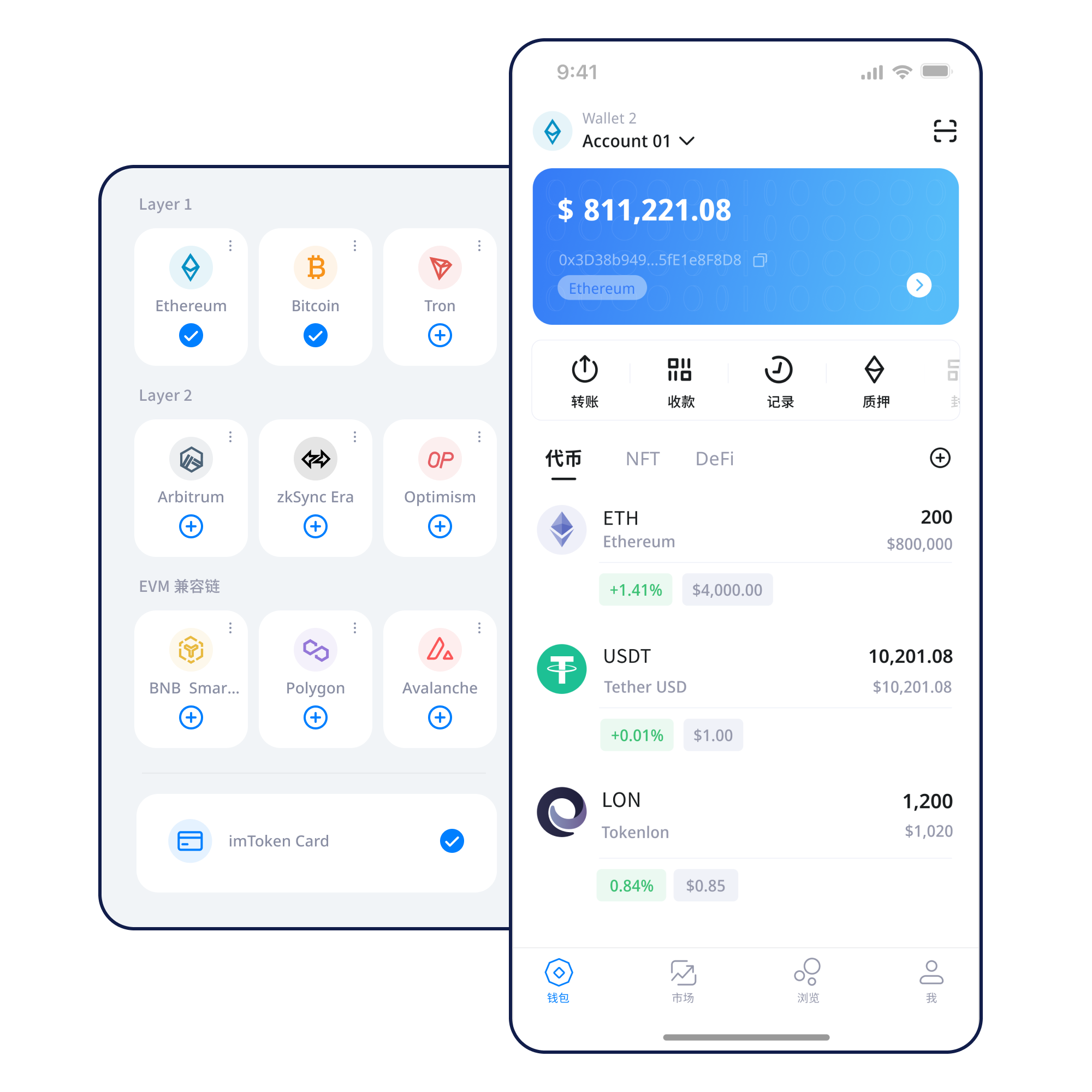
Start with a task
Understand key control before creating or importing an account.
Keep recovery information offline and never send it to another person.
Confirm the receiving address and network.
Review address, network, amount, gas and the final confirmation screen.
Verify the domain and review every signature and approval separately.
Wallet capabilities
Review the network, address and request behind each action instead of assuming similarly named assets behave the same way.
Understand network differences, address checks and transaction confirmation before moving assets.
Explore networks →Manage networks, assets and transaction history from a mobile environment.
Review address, network, amount, gas and transaction hash as one workflow.
Transfer guide →Connect in the browser while reviewing accounts, signatures, approvals and disconnection.
Web guide →
Protect recovery information, prefer offline backup and review permissions.
Network explorer
Assets with the same symbol can exist on different networks. Verify network, contract and bridge route.
Read the guide →
Use nodes, blocks, transactions, confirmations and explorers to understand chain state.
Read the guide →
EVM-compatible networks can use different chain IDs, gas assets and contracts.
Read the guide →
Cross-layer movement can involve bridges, waiting periods and multiple confirmation stages.
Read the guide →Gas depends on network conditions, while completion should be verified by transaction hash and explorer.
Read the guide →Wallet workflow
Begin from a trusted download entry point rather than an unknown message or ad.
Understand seed phrases and private keys before creating or importing.
Keep recovery words offline and never send them to anyone.
Confirm the asset network, destination network, address and fee asset.
Review address, network, amount and gas; consider a small test for high-value transfers.
Save transaction hashes, check confirmations and remove permissions you no longer need.
Web3 & DApp
A wallet connection does not mean every later request should be approved. Review each signature and approval separately.
Open the Web3 guide →Open the DApp
Verify the domain
Request a connection
Review the account request
Inspect signatures or approvals
Complete the intended action
Disconnect unused connections
Security center
Your seed phrase and private keys remain under your control. imtoken staff will never ask for them. Before transferring, signing or approving, verify the address, network, domain and permission scope. On-chain transactions generally cannot be reversed by a wallet provider, and third-party DApps or smart contracts may introduce additional risk.
Open security center →Academy · Featured
Learn why addresses can be public while seed phrases and private keys must stay private, how networks and gas affect transfers, and why DApp connections and approvals require separate review.
Start learning →Understand nodes, blocks, transactions and confirmations.
ContractsEVM & Smart ContractsUnderstand addresses, gas, contracts and tokens.
ScalingLayer 2 BasicsUnderstand mainnet relationships, bridges and settlement.
Web3DApp ApprovalsReview targets, allowances and revocation.
SecurityWallet SecurityProtect keys and recognize phishing or malicious signing.
GlossaryBlockchain GlossaryLook up common on-chain terms.
Ethereum · PoS
Understand validators, reward sources, network status, withdrawals and exit flows before considering participation.
Learn staking →Staking does not guarantee returns. Rewards and waiting periods can change.
Updates
Confirm the account, network and asset contract first.
→NetworkUse the transaction hash to verify confirmationIf the wallet view is delayed, check an explorer before submitting again.
→Security NoticeNever send seed phrases or private keysStop any verification flow that asks for recovery words, private keys or codes.
→ServiceStaking rewards and exit timing can changeUnderstand validators, network status, waiting periods and contract risk first.
→FAQ
A digital wallet manages keys, derives addresses and helps users interact with blockchain networks. Assets are recorded on the relevant chain rather than stored as files inside the wallet app.
No. Your seed phrase represents wallet control and remains under your custody. imtoken staff will never ask for a seed phrase, private key or verification code.
A seed phrase can derive one or more accounts, while a private key directly controls signing for a particular account. Both are sensitive recovery information.
Some EVM-compatible networks use similar address formats while maintaining independent state. Similar addresses do not make assets move automatically between networks.
Verify the full destination address, target network, asset and amount, then review gas and transaction details. Consider a small test for a high-value transfer when appropriate.
Gas is the network resource cost for processing a transaction or smart-contract call. It can change with congestion and transaction complexity and is not a fixed wallet fee.
A transaction hash identifies a specific on-chain transaction and can be used in a block explorer to check status, block inclusion and confirmations.
No. Connection usually establishes account visibility and a request channel. Message signatures, transactions and token approvals must still be reviewed separately.
imtoken
Use the Academy and Security Center whenever you need to verify a network, transaction or DApp request.